pd3d - Playdate 3D renderer
A downloadable project
pd3d is a tiny Lua library for Playdate that can load and render .obj 3D models.
The library is free, licensed under CC0. If you want to support my work, you can also pay whatever you like.
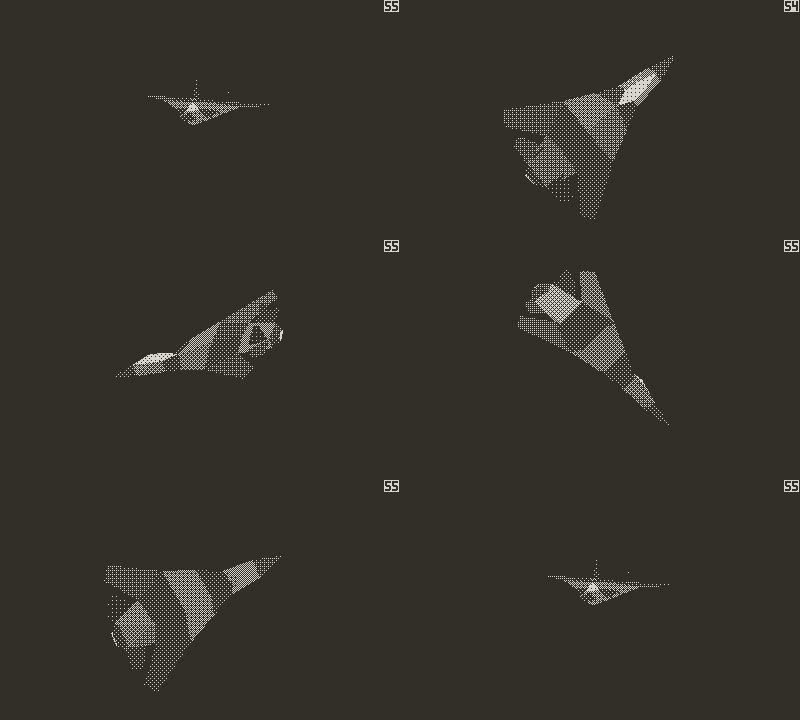
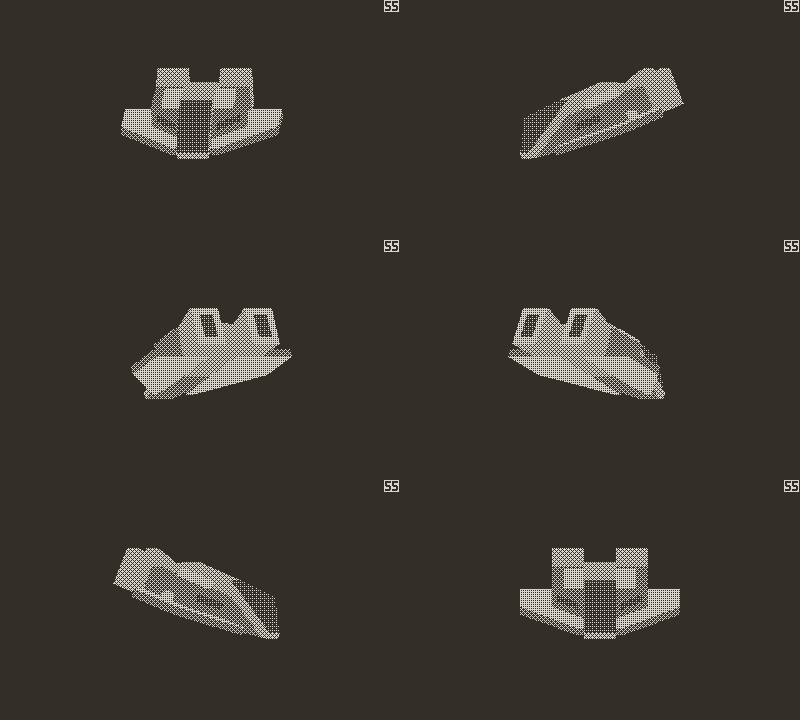
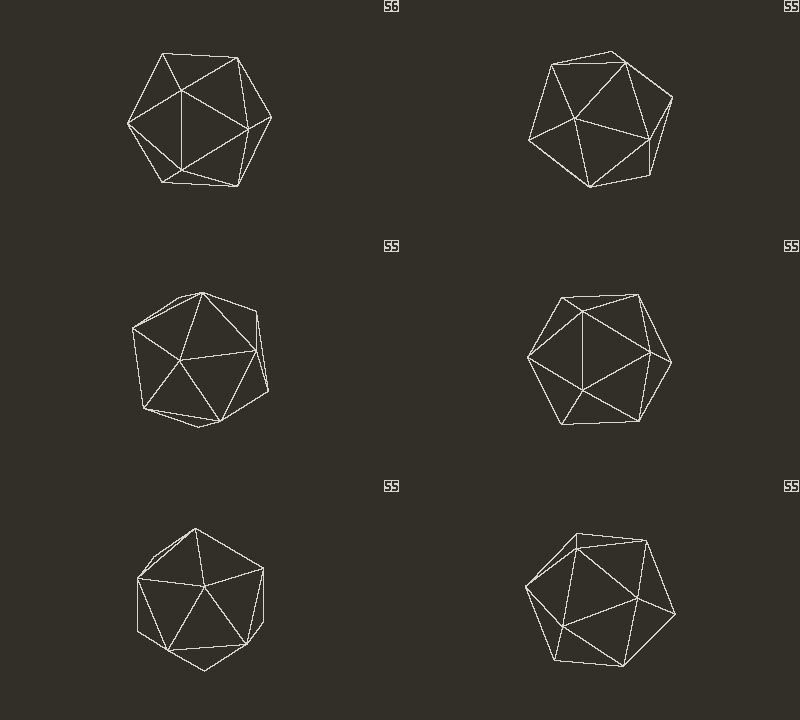
Note that the screenshots are recorded using the Playdate simulator. You can find real-file examples in the Performance section of this page.
What it can do?
- Load .obj models together with their .mtl material libraries
- Load raw bitmap textures (RGB8)
- Render orthographic projection
- Render solid color polygons (dithered)
- Render single model inside a viewport
- Render and transform low poly models (~300 tris) at a reasonable framerate
- Back-face culling with the option for forcing double-sided rendering
What it can't do?
- Load .png,. bmp, .jpg, etc. complex texture files
- Read advanced or extended .obj instructions
- Render textures
- Render overlapping geometry
- Perspective
- Scenes (multiple objects in same 3D space)
- C performance
Quick start
import "pd3d"
-- Load model
local model = pd3d.loadModel("tree.obj")
function playdate.update()
   -- Scale and rotate
   pd3d.transform(model, 0, 0, 1.5, 180, -45, 0)
   --- Draw
   playdate.graphics.clear()
   pd3d.draw(model, 200, 120, 80, 80)
end
API
The best way to explore the API is using LuaLS extension in your favorite editor. Here's a quick reference:
Models
Load model from .obj file
pd3d.loadModel(path)
Create primitive mesh ("cube"|"icosahedron")
pd3d.createPrimitive(type)
Rendering
Change model scale, rotation or offset within its space
pd3d.transform(model, offsetX, offsetY, scale, rotationY, rotationX, rotationZ)
Make current transform permanent by applying it to the model
pd3d.applyTransform(model)
Draw model on screen
pd3d.drawModel(model, x, y, w, h)
Configuration
Sets rendering mode ("vertex"|"flat"|"shader"|"wire")
pd3d.setRenderer(name)
Set light source position. Currently the light is always on the Y axis. This setting only affects the "shader" renderer.
pd3d.setLight(y)
Set ambient light luminosity. This setting only affects the "shader" renderer.
pd3d.setAmbientLight(intensity)
Materials
pd3d can read the standard .mtl material library files, but the support is very limited. See below for details.
Color
Currently only the diffuse color is respected. RGB values are converted to luminosity using the relative luminance conversion formula (https://en.wikipedia.org/wiki/Relative_luminance).
Textures
The renderer does not support texture mapping, but you can still use textures for colors. The obj loader samples a single pixel at the middle point of the UV coordinates and uses that color for calculating luminosity. For now only RGB8 raw bitmaps are supported, meaning you must first convert your PNG etc. textures to raw images and change the file name in .mtl accordingly. Texture dimensions are inferred from the data length (assumed square, power of 2).
Double-sided faces
By default all materials are one-sided, meaning the back faces are invisible. To force double-sided rendering add "+" postfix to your material name. E.g. "metal" would be one-sided and "metal+" double-sided.Tech
Performance
By today's standards, Playdate is not a very powerful device. On top of that Lua adds to the overhead making it considerably slower than well optimized C code. The purpose of this library is not to beat the existing C libraries, but to offer an easy alternative for games written in Lua.
To get an idea of how pd3d performs, below are the stats for the models in included screenshots. Frames per second values here are averages for different zoom levels. Note that in the demo transform is only called every 3 frames to give the renderer time to process the changes.
| Model | Triangles | Renderer | FPS | FPS (2x) | FPS (0.5x) |
| Fighter jet | 76 | shader | 58 | 50 | 92 |
| Speeder B | 270 | flat | 40 | 33 | 53 |
| Icosahedron | 20 | wire | 60 | 50 | 99 |
Model complexity
When updating the transform every frame you force the renderer to do more during a single frame. In this case the fighter jet has so few vertices that the added overhead is too small to even notice. With the speeder however, FPS drops down from 40 to 31 due to the sheer amount of calculations needed to rotate the model.
Furthermore scaling and rotation around every axis all add to the equation. The less you change, the easier it will be on the CPU.
About the tech
pd3d relies heavily on integer math and precalculated values.
While the model is drawn every frame, changes take effect after a short delay. Here's how it happens (frames):
- Transforms are applied, vertices are recalculated and polygon visibility resolved (backface culling)
- Polygons are sorted by z and rendered to a buffer (back-to-front)
- Rendered image is drawn on screen
Download
Click download now to get access to the following files:
Leave a comment
Log in with itch.io to leave a comment.